AccountGuard
Email codes, passkeys and sign-in alerts for every client and admin in your WHMCS.
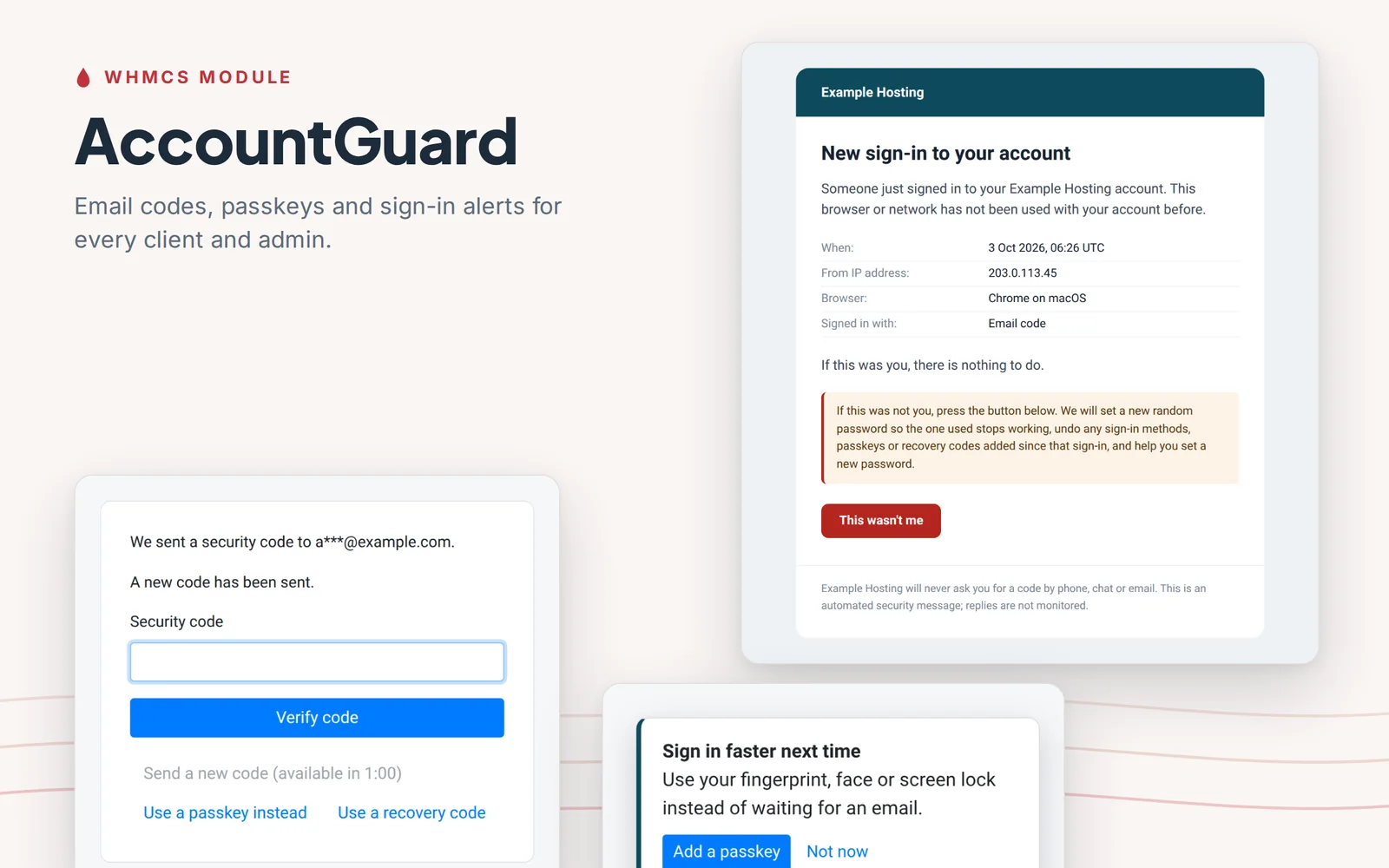
The problem it solves
Most hosting accounts that get taken over are not hacked. Someone signs in with a password that leaked from another site, and in a WHMCS client area that password opens domains, DNS, services, invoices and support tickets.
WHMCS has authenticator app, Duo and YubiKey support, but each person has to set it up, so most clients never do. There are no passkeys and no alert when someone signs in from a new browser. AccountGuard puts a second step in front of every sign-in without asking anyone to enroll, and then moves people toward passkeys.
The longer version, with the research behind it, is in our article on WHMCS sign-in security.
How it works
- 1
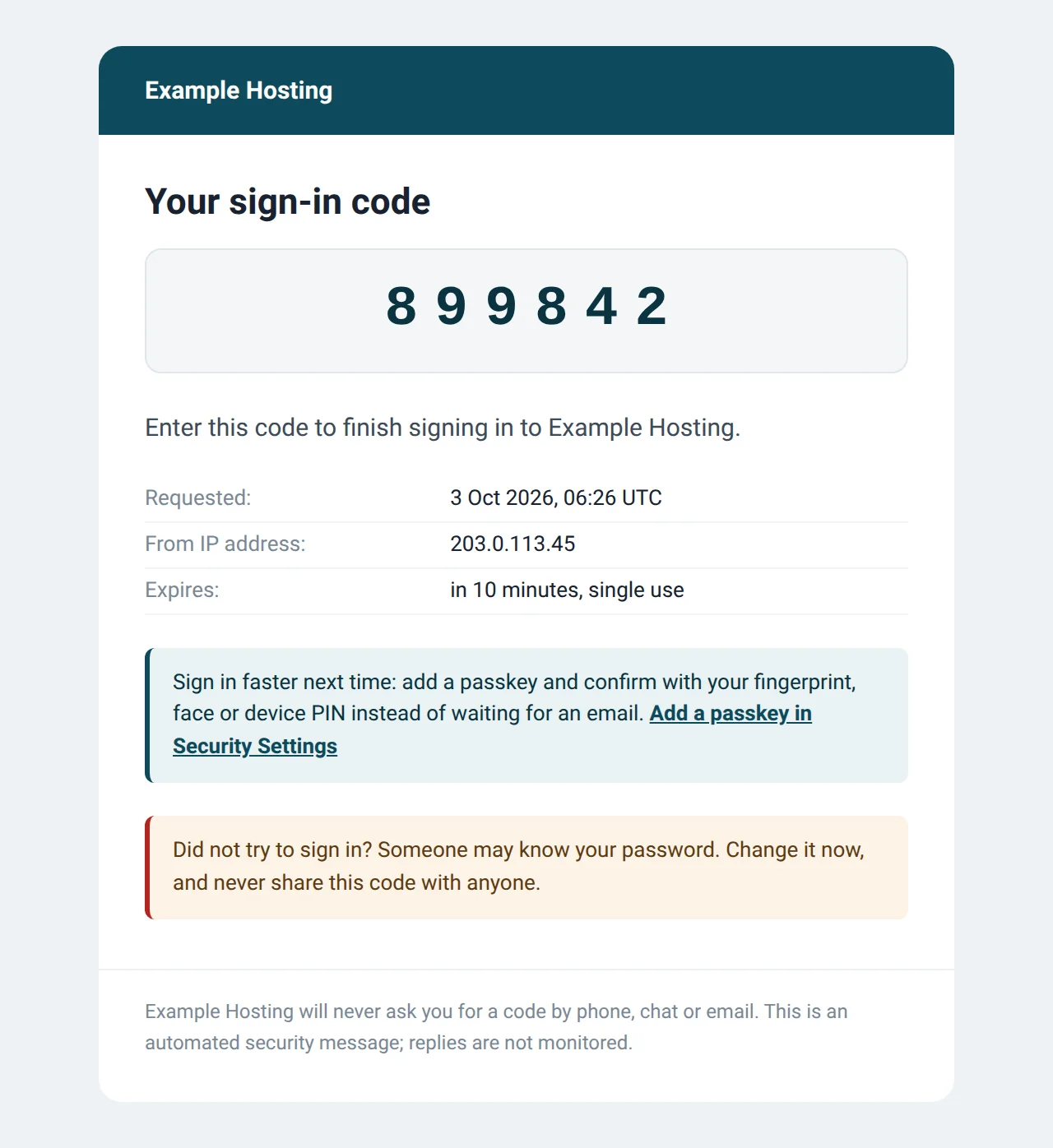
A code after the password
Every client user and admin without another two-factor method gets a code by email. It is checked as soon as it is pasted or typed, and iPhones and Macs can fill it in from the Mail app.
- 2
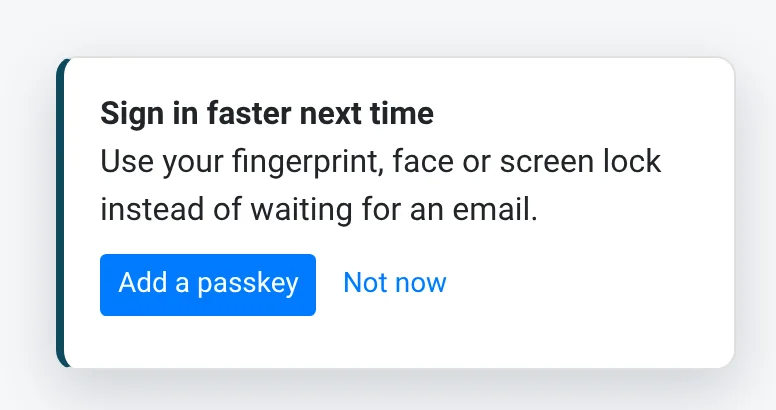
A passkey in one tap
Right after an email-code sign-in, on a device that can hold a passkey, the client is offered one. The code they just entered confirms it is them, so adding it is a single tap.
- 3
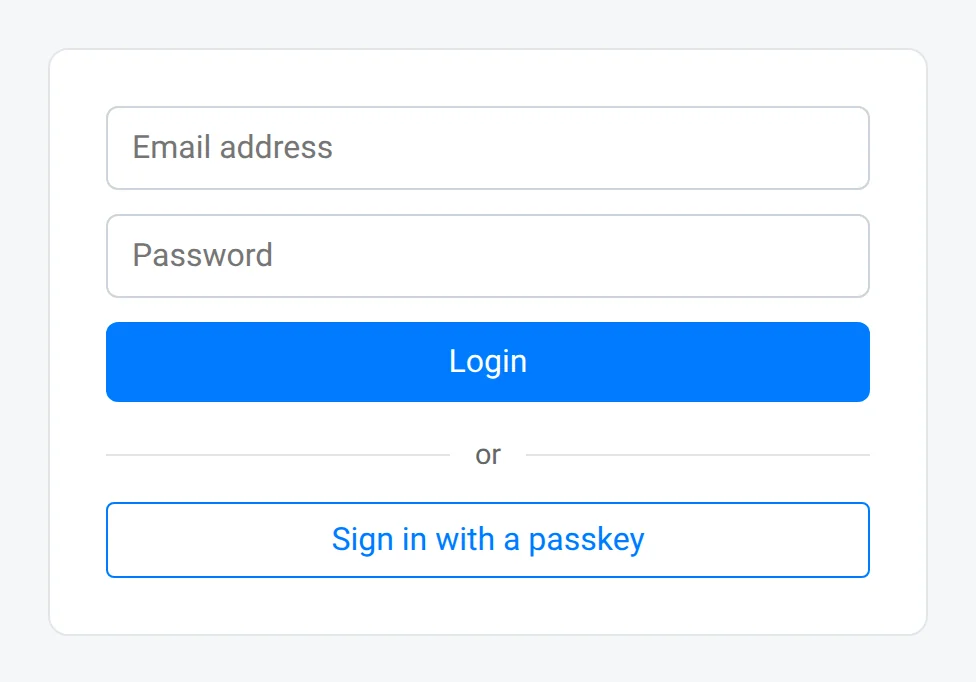
Next time, the passkey
The browser suggests the passkey in the login page's email field. If you turn it on, client users can sign in with the passkey alone, with no password. Admins always use their password.
- 4
The owner is told, and can undo it
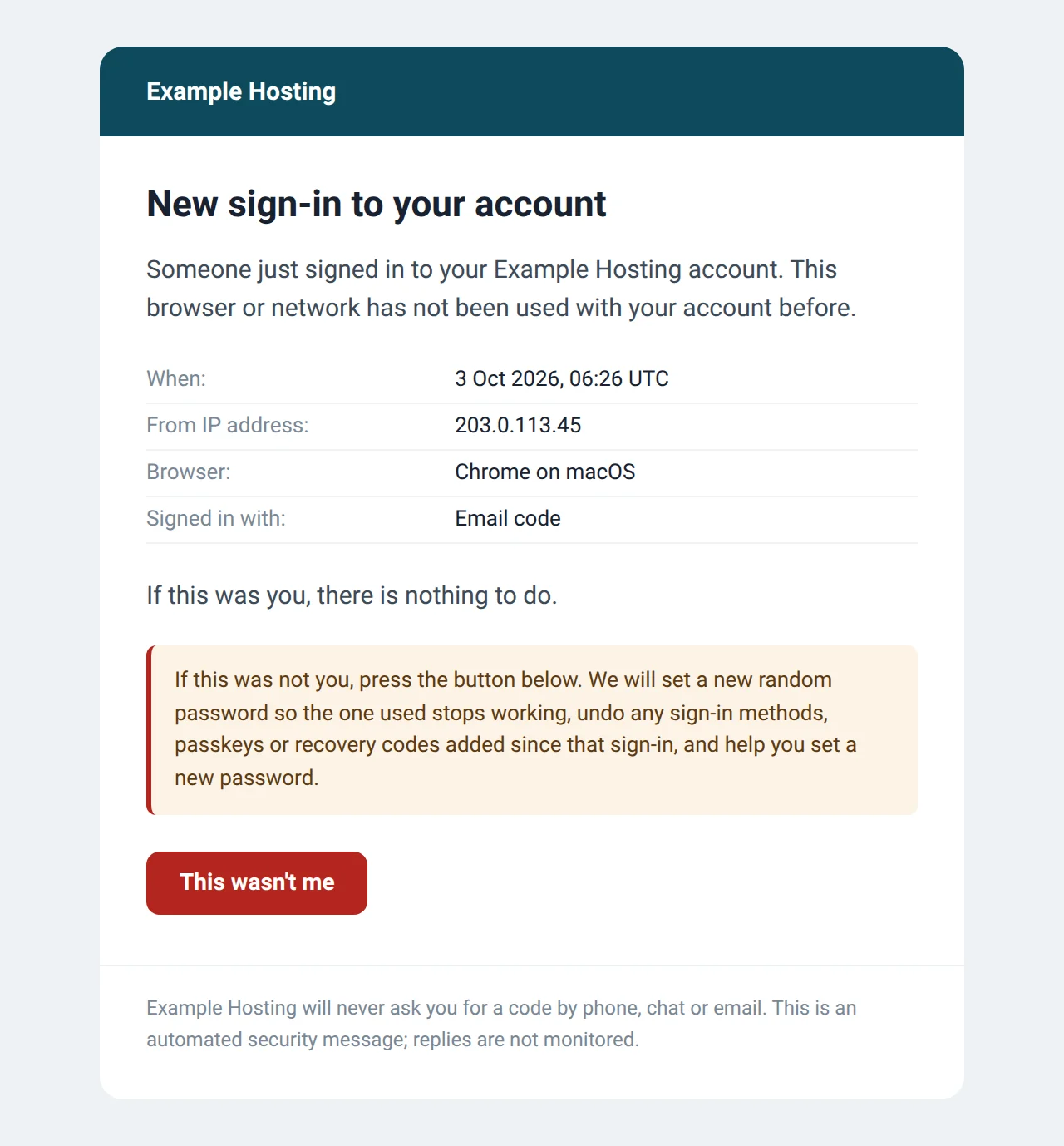
Every sign-in from a new browser or network emails the owner. "This wasn't me" sets a new random password and undoes sign-in methods, passkeys and recovery codes added since that sign-in.
What you get
For your clients
- A code by email after the password, switched on for every account with no other method
- Passkeys: Windows Hello, Face ID, Touch ID, Android, Google Password Manager, iCloud Keychain, 1Password and security keys
- Recovery codes for when email or a device is not available
- Existing authenticator app, Duo and YubiKey setups are never changed
For your team
- Email codes for admins too, and a passkey within 7 days for every admin who manages AccountGuard
- Team alerts when someone reports a sign-in, and on unusual sign-ins
- "Someone knows your password" alerts when the password was right but the code failed
- Sign-in history for clients and staff, and an audit log with filters
Built for WHMCS
- Security emails are WHMCS email templates in your own email design
- A warning in WHMCS when security emails start failing, and a connection check that says why
- Works with any client-area theme
- Optional email verification before an order is set up
- Removal in one step puts everyone back on password sign-in
Screens
From the current build. Admin screens show a test install with demonstration data; on your WHMCS they carry your own clients, theme and email design.
Price and requirements
$49 a year
Per WHMCS installation, billed yearly.
- WHMCS 8.6 or later on PHP 8.1 or later, or WHMCS 9 on PHP 8.2 or later
- HTTPS, with the WHMCS System URL set to the address people use
- Working outgoing email (AccountGuard tests it before switching anything on)
- ionCube Loader 13 or newer
What it does not do yet
- No SMS codes
- No IP allowlists or country restrictions for the admin area
- No "remember this device" option yet
It is in public beta: running on live WHMCS installations, with version 1.0 to follow once the beta feedback is in. If something behaves differently on your WHMCS version or theme, tell us. Ideas for what it should do next go on our feedback board, where other hosts can vote on them.
Questions hosts ask
Does it replace authenticator apps, Duo or YubiKey?
No. Accounts that already use one of WHMCS's own two-factor methods keep it. AccountGuard covers the accounts that have no second step at all, which is most of them.
What if our email stops working?
Nothing switches on until you have entered the code from a test email, so a mail setup that does not deliver cannot lock anyone out. People with a passkey or recovery codes can still sign in without email, and removing AccountGuard puts everyone back on password sign-in in one step.
Are email codes secure enough?
They are the weakest of the factors AccountGuard offers. They stop a leaked password, but not someone who already controls the mailbox or a phishing page that relays the code. Passkeys are the phishing-resistant step, which is why AccountGuard offers one after every email-code sign-in. Once people have two passkeys each, you can turn off email codes as a backup.
Can clients sign in without a password?
Yes, if you turn it on. Client users whose two-factor method is AccountGuard can sign in with a passkey alone. Admins always use their password.
What does "This wasn't me" do?
It sets a new random password so the one that was used stops working, undoes sign-in methods, passkeys and recovery codes added since the reported sign-in, and emails the owner how to set a new password. Your team can be alerted too.
What happens if the license lapses?
Protection keeps running. Settings become read-only and passwordless sign-in switches off until the license is renewed. If our license server cannot be reached, there are 14 days of grace.
What does it send to Red Water?
Only the weekly license check: the license key, your WHMCS address, the server's address and the WHMCS folder. Nothing about your clients.